Modstoke Terraforming
Dig out soil and rock, fill holes back in and undo mistakes in a small outdoor plot. Offline single-player copies of saves only for now.

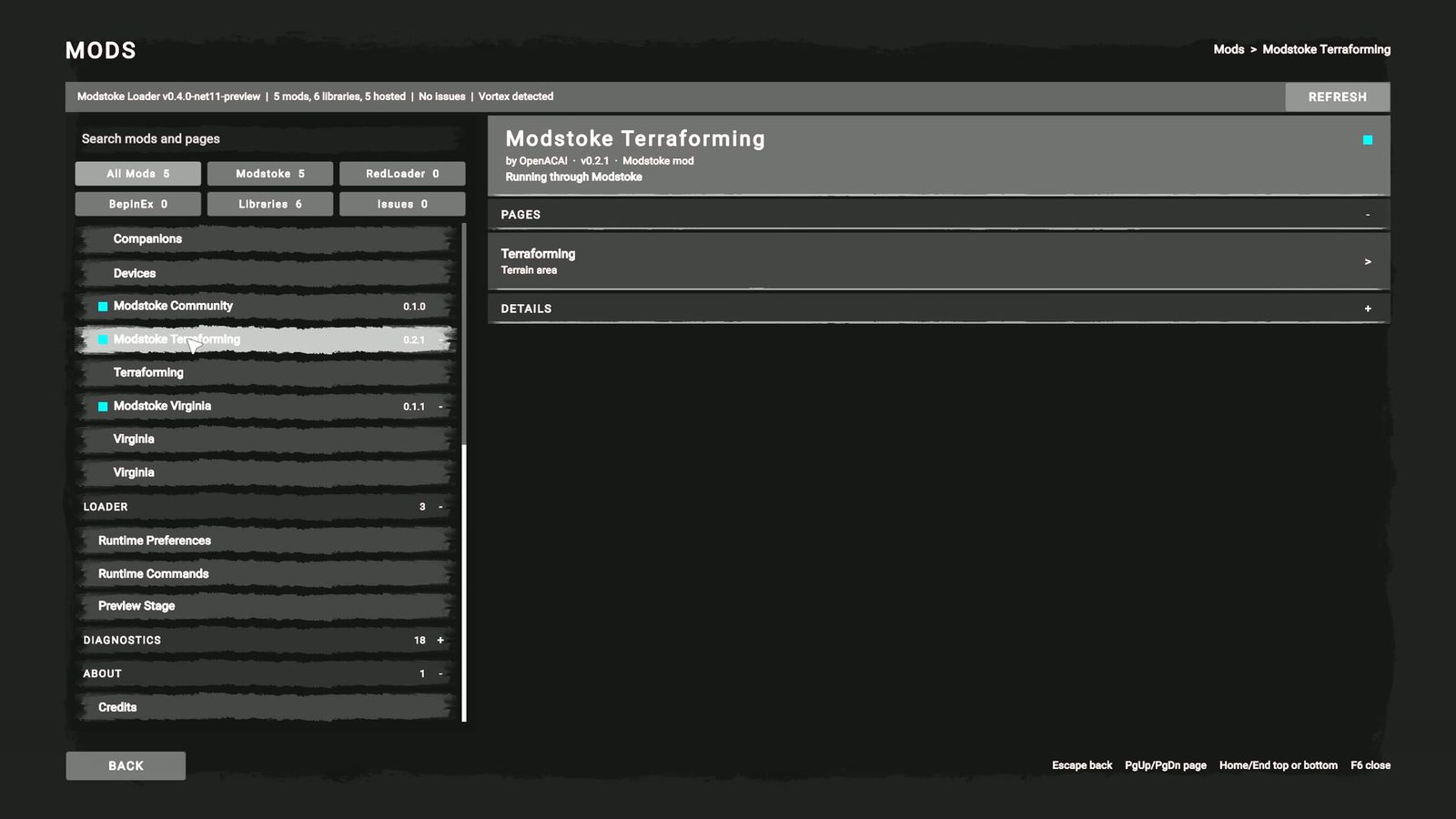
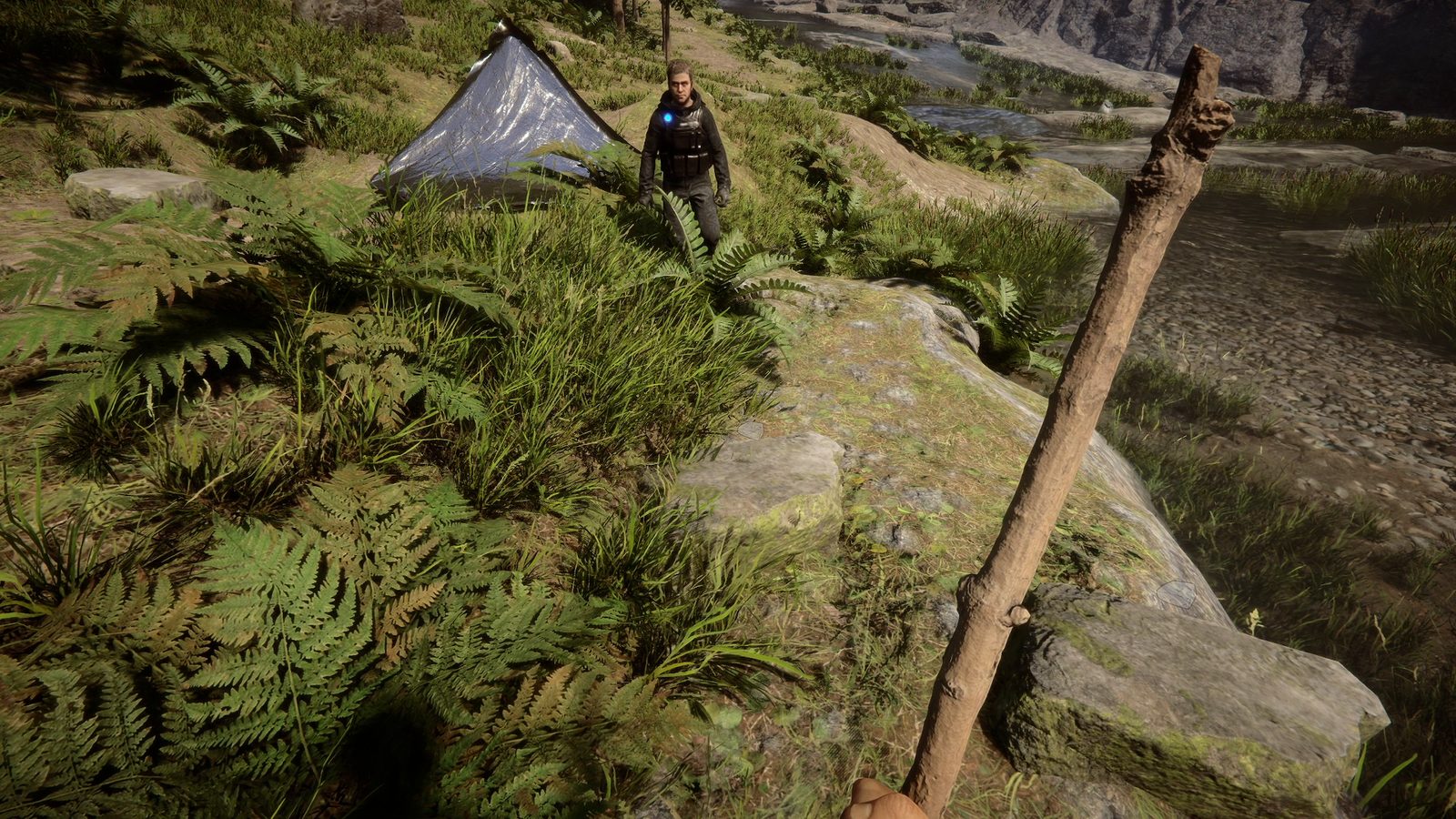
About
Terraforming lets you dig into a small patch of the island and put the soil back where you want it. Dig a pit, fill part of it in, and undo it if it goes wrong.
For now it's one outdoor plot in an offline single-player copy of a save. Multiplayer and building on dug-up ground don't work yet.
- Create a plot on clear ground from the Mods menu
- Dig with the shovel or pickaxe, fill with the shovel
- Soil you dig goes into a reserve, and filling uses it up
- Undo puts back both the ground and the soil
Climb out of any hole before uninstalling, because the dug-out shape won't exist without the mod.
In testing
Island-wide digging is in testing: dig, fill, flatten and smooth anywhere on the island with the shovel, saved with your world. It isn't in the current download yet.
What's new in 0.2.2
- Creating, loading, removing and recovering terrain now asks you to confirm, from the console or the Mods menu.
- Works with Modstoke Loader 0.4.0 and its Modstoke folder.
Install
- Install the Modstoke Loader, or let the Manager do it for you.
- Close the game. Download Terraforming from Nexus and extract its Modstoke folder next to
SonsOfTheForest.exe. - Start the game and open the Mods menu from the title screen to check it loaded.
Back up your saves before trying a preview. If something breaks, the troubleshooting guide or our Discord is the place to ask.