Modstoke Client
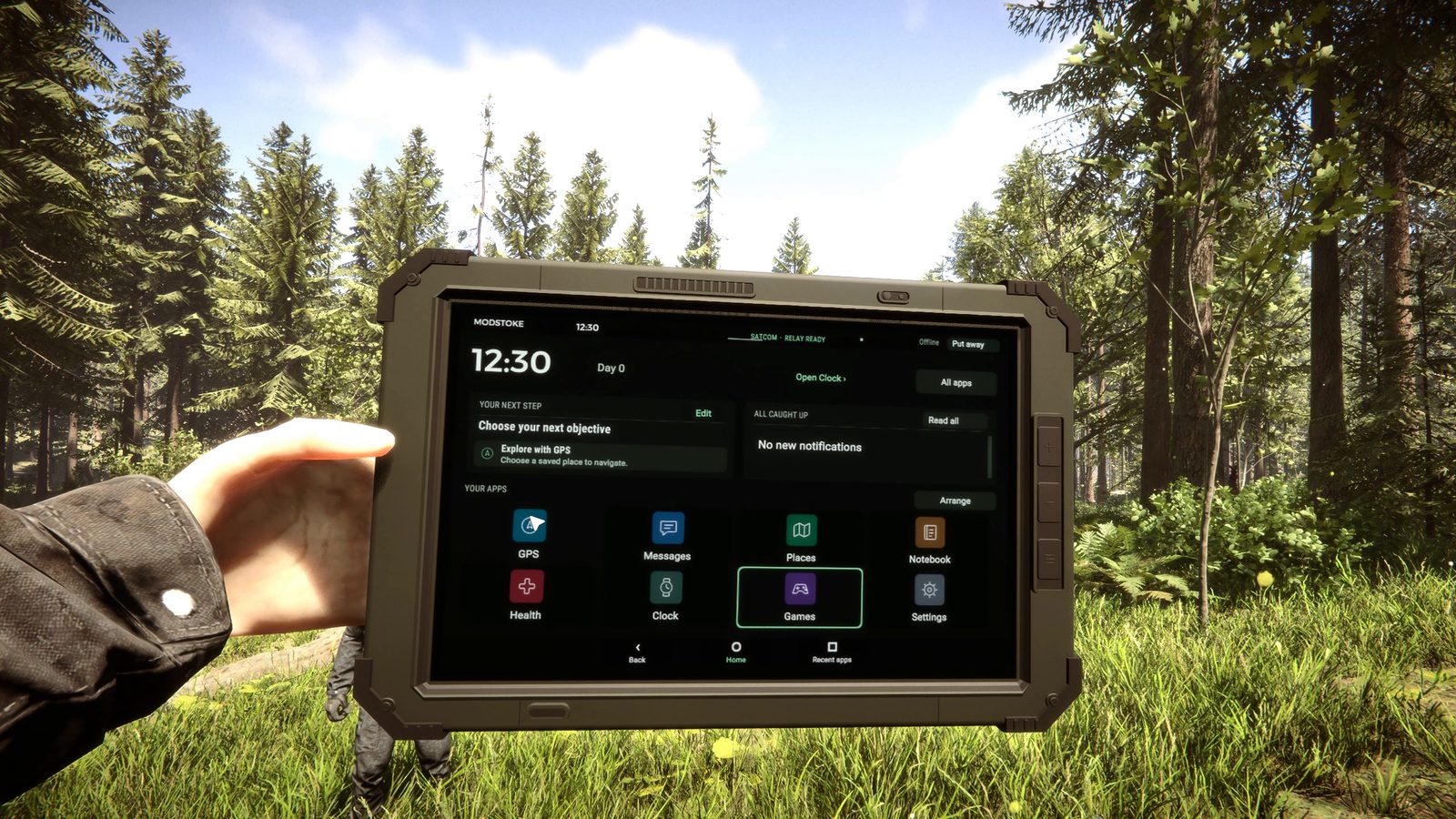
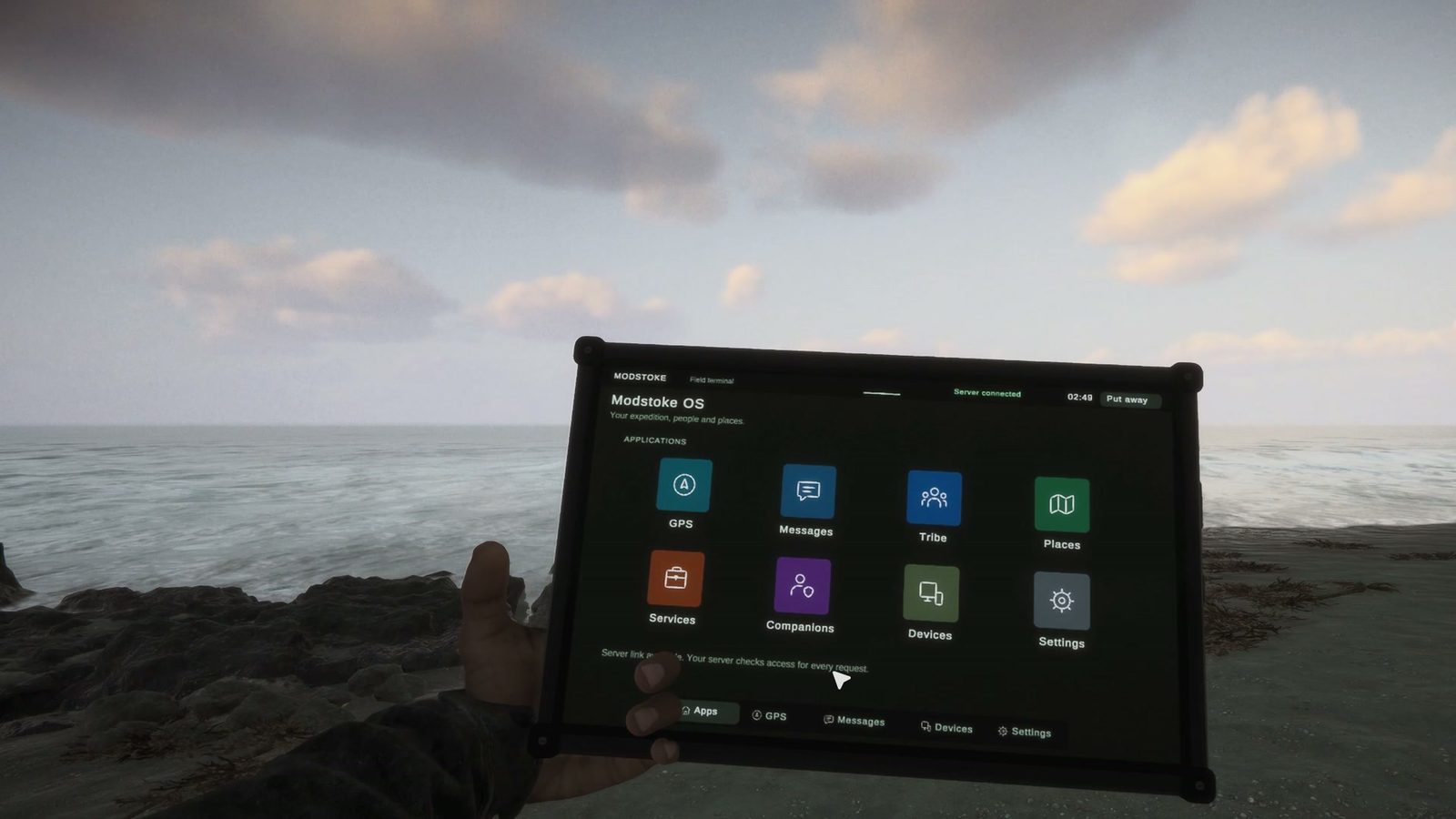
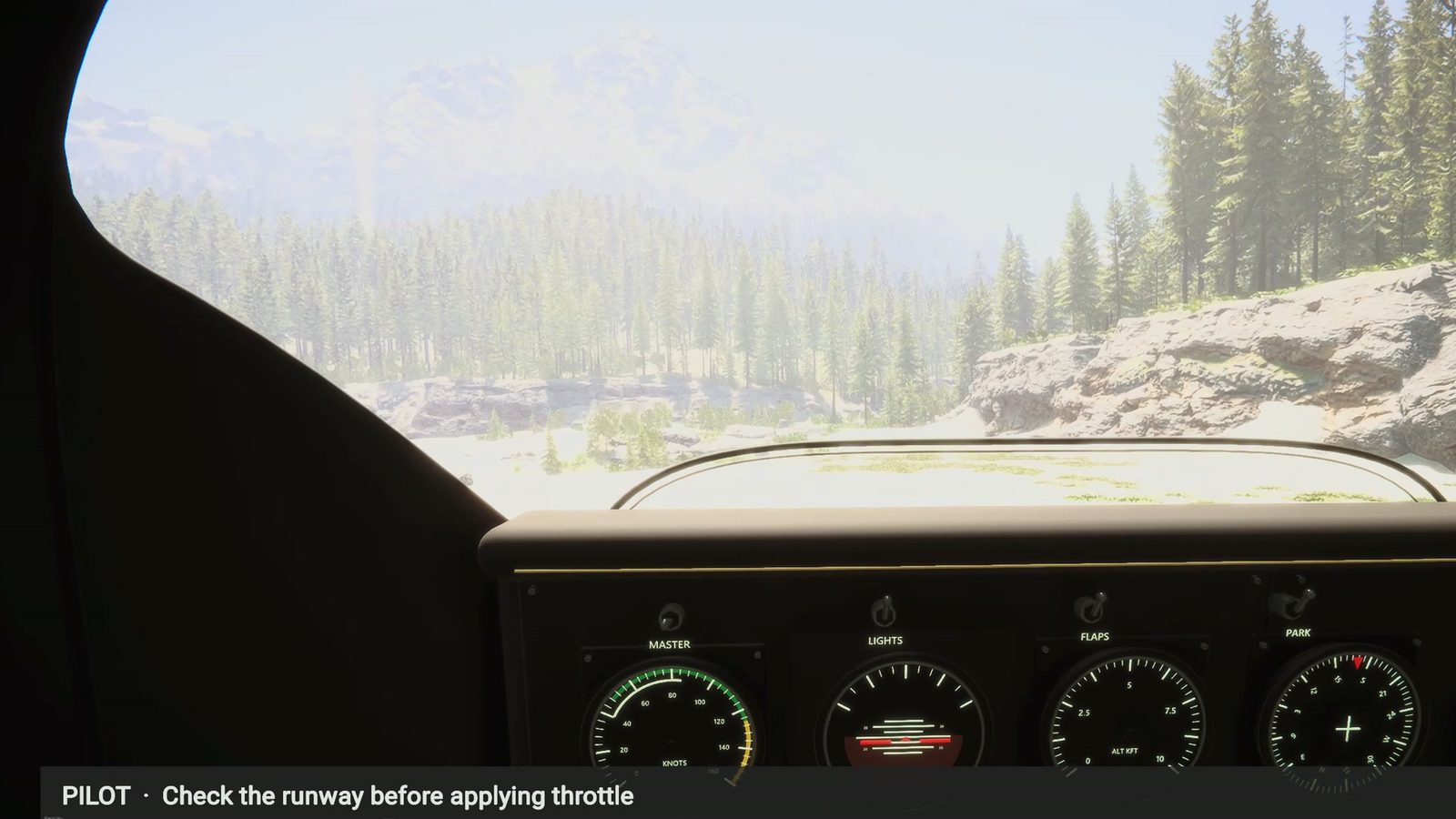
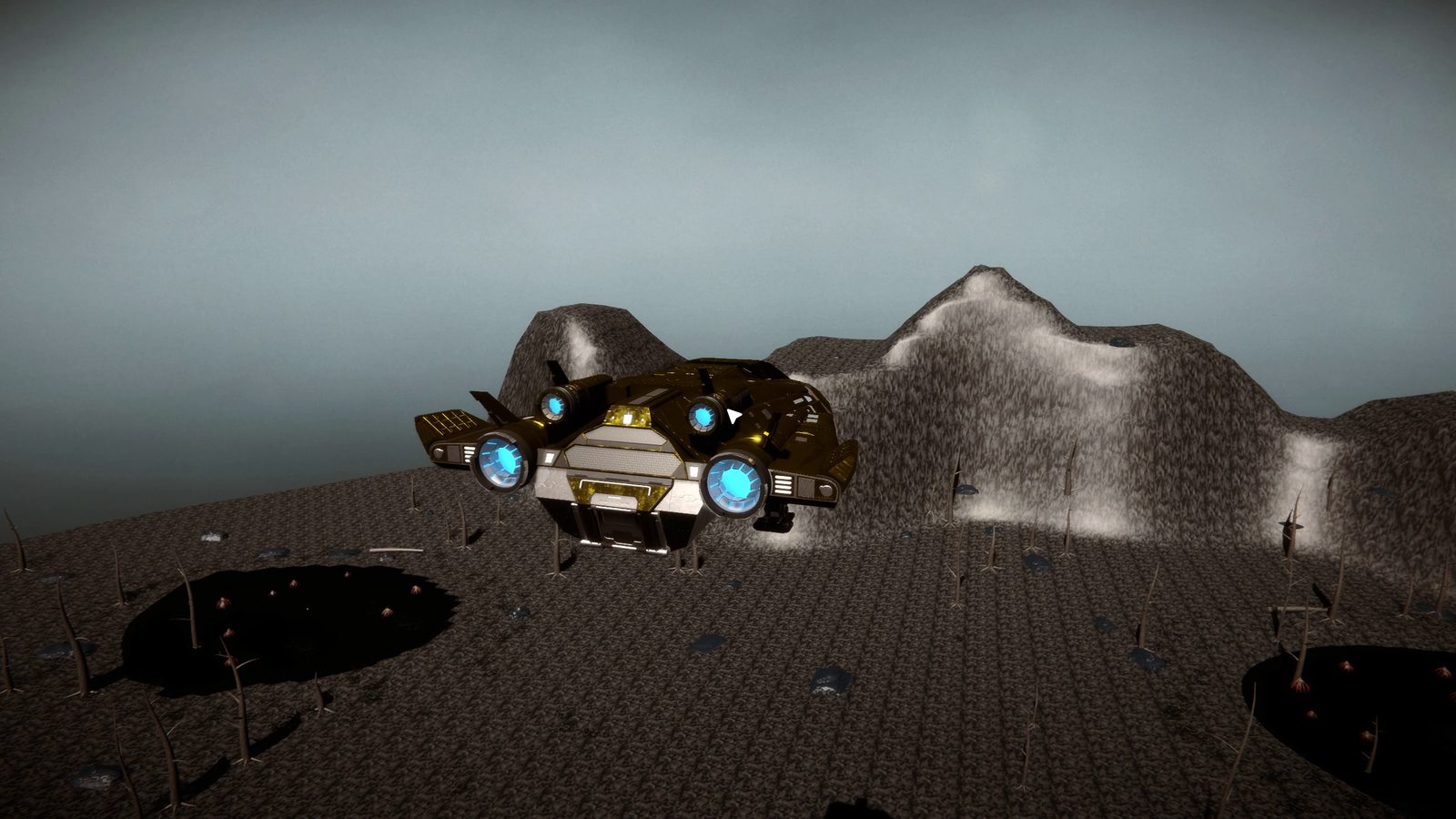
A field tablet, wristwatch, survey drone and the Kestrel K3, a small three-seat plane. Plan supply runs, pin places on the map, scout from the air or fly friends around the island.


About
Client adds gear you carry around: a field tablet, a wristwatch, a survey drone and the Kestrel K3, a small three-seat plane. It's meant to feel like equipment, not a menu stuck on top of the game.
The tablet has a map with your own pins, a notebook, a clock and Pack, which searches items and ammo and drafts a shopping list for a recipe. It only plans; you still do the crafting yourself.
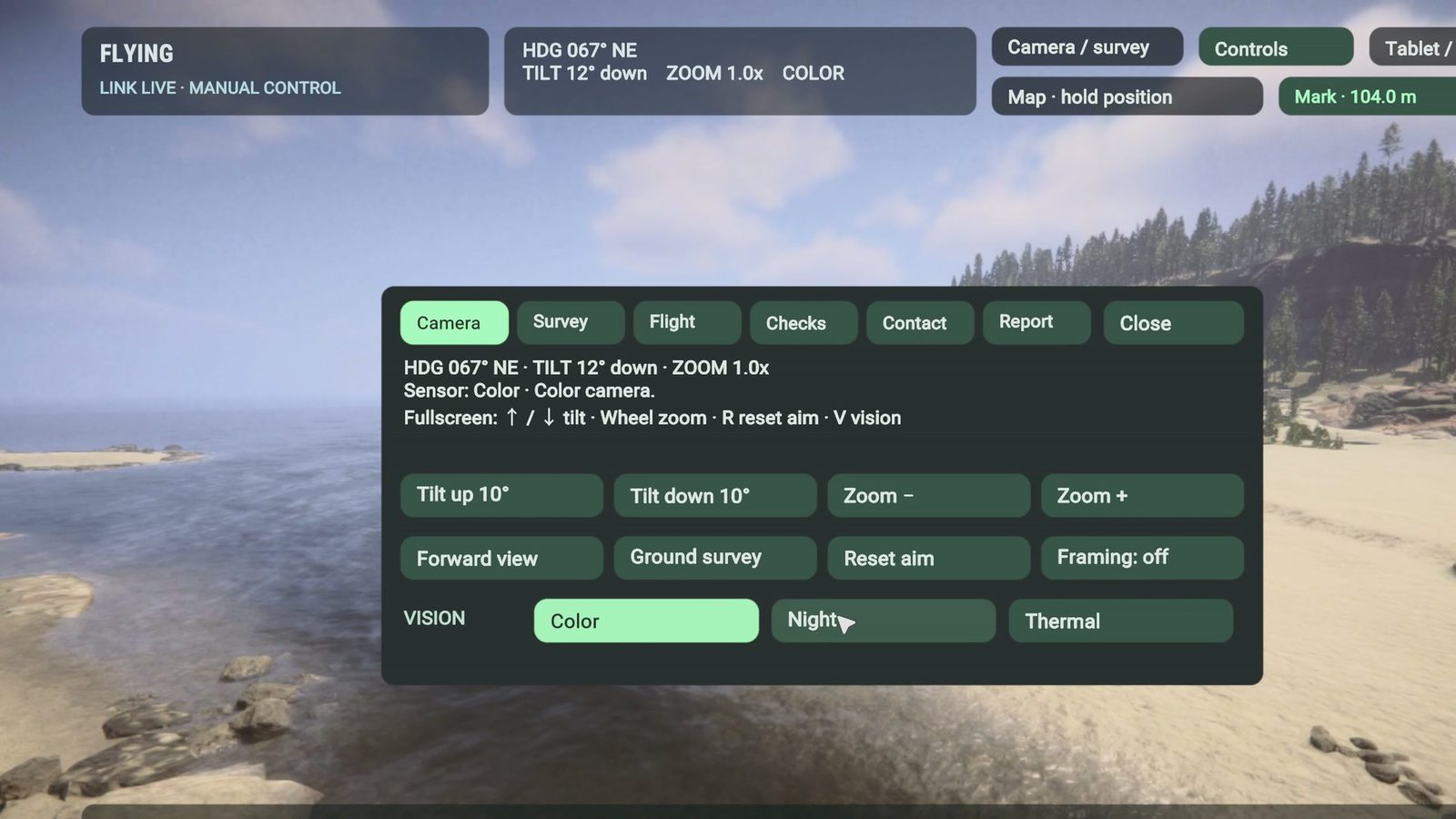
- Survey drone: fly it from the tablet, drop map pins on anything you see, and it lands by itself when the battery runs low.
- Kestrel K3: deploy it from the tablet's Hangar app with about 18 metres of clear ground ahead. One pilot, two passengers.
- Character: pick your body, skin tone and shape, and keep the same look every time you join.
Tribes, the printer, shared waypoints and companions need a host running Admin. The host and everyone flying need the same Client version, so try it on a copy of your world first.
In testing
Spaceflight is in testing: a spacecraft you launch from a big clearing, a station in orbit and a new world to land on and survey with your crew. It isn't in the current download yet.
What's new in 0.2.4
- Character creator: Mods > Character > Customise character opens a full-screen editor with a rotating preview. Pick a body, skin tone, eye and underwear colour, and shape it with the sliders.
- You keep the same look every time you join, and it works alongside players who don't have Modstoke.
- Server compatibility replaces the duplicate Modstoke Client page in the Mods menu.
- Needs Modstoke Loader 0.4.0 and its Modstoke folder.
Install
- Install the Modstoke Loader, or let the Manager do it for you.
- Close the game. Download Client from Nexus and extract its Modstoke folder next to
SonsOfTheForest.exe. - Start the game and open the Mods menu from the title screen to check it loaded.
Back up your saves before trying a preview. If something breaks, the troubleshooting guide or our Discord is the place to ask.