Modstoke Admin
Host tools for Sons of the Forest. See who's on your world, check what they've been up to, and jail, mute, kick or ban without leaving the game.


About
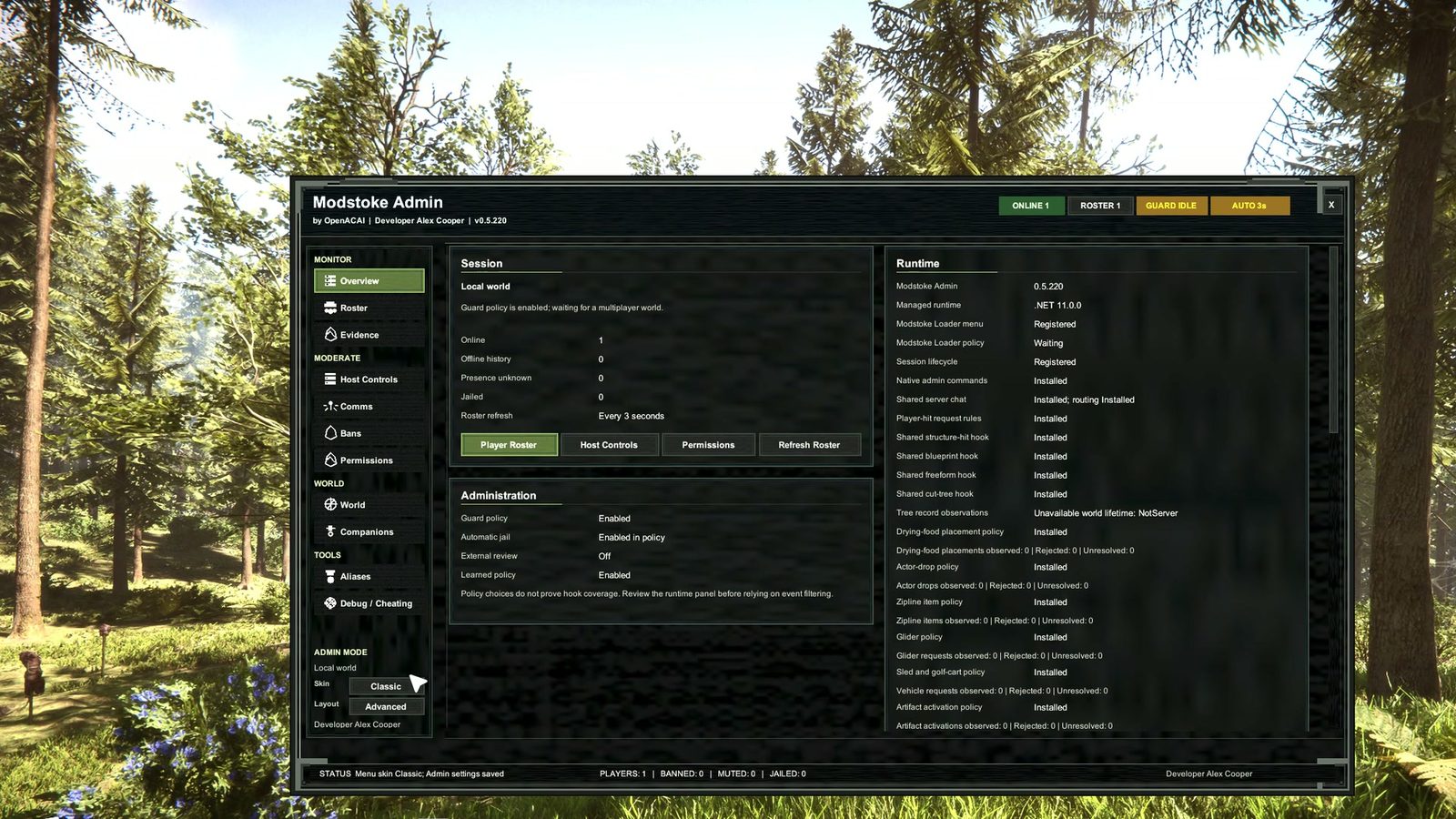
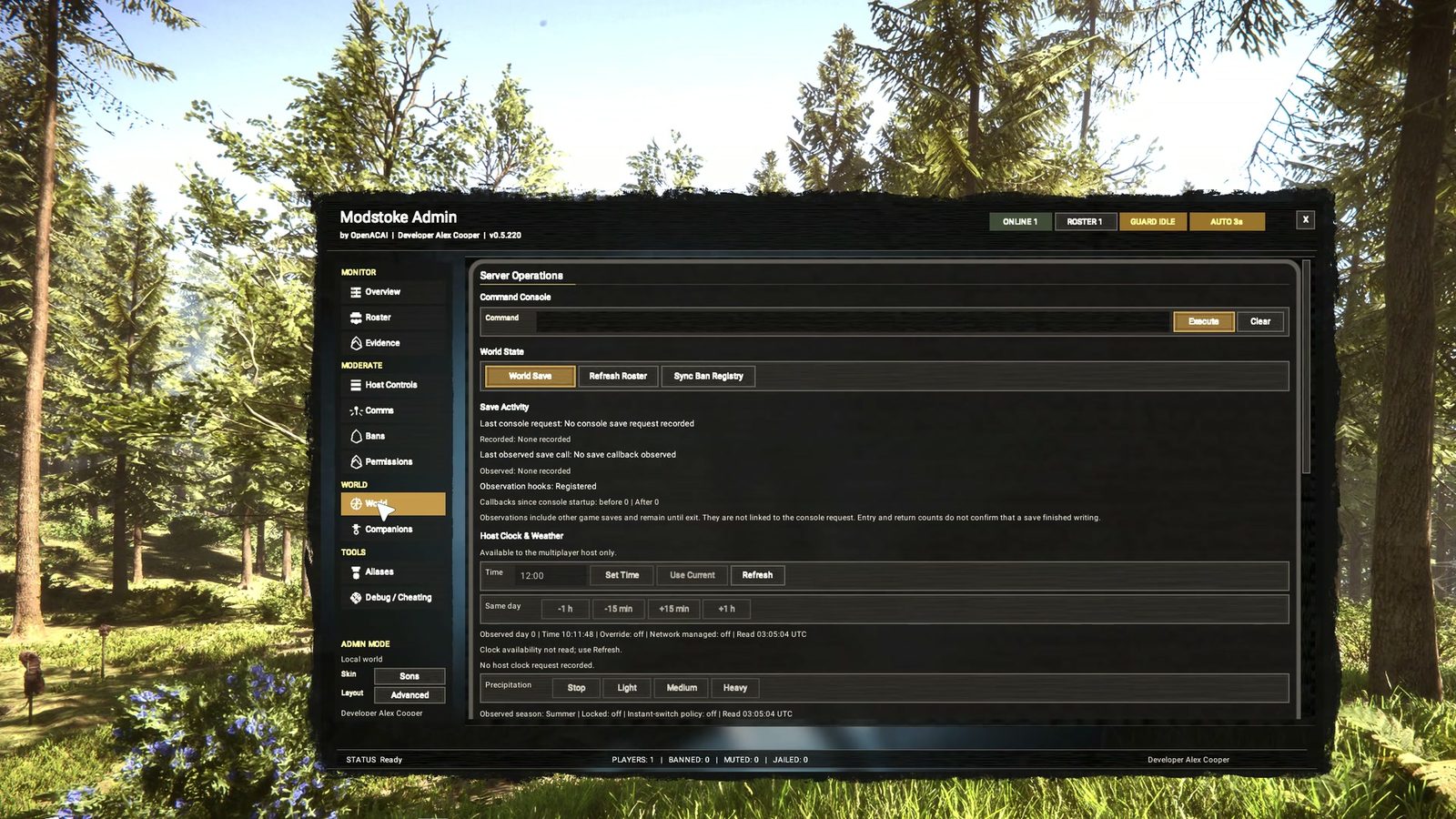
If you host a world, Admin puts the player list and your moderation tools in one menu inside the game. Pick a player to see their Steam ID and what the mod has noticed about them, then deal with it right there.
- Roster with jail, mute, kick and ban
- Evidence sorted into movement, items, construction, server and actions
- Staff roles with their own permissions, including remote staff on dedicated servers
- Host controls for the time, the weather and world settings
The evidence is there to help you look into a problem. It isn't a full anti-cheat, and nothing bans or kicks on its own. Players don't need Admin to join.
What's new in 0.5.221
- Staff roles: ranked roles with their own allow and deny permissions, plus a Steam64 admin list with expiry dates.
- Remote staff can use F7 on listen hosts and dedicated servers. The host checks every request.
- F7 menu: fixed focus and stuck-cursor problems, new skins, and Simple and Advanced layouts.
- Unmodded players: speed limits only apply to transport the host can confirm, and a pickup duplication bug is fixed.
- New evidence for god mode, speedhacks, fire rate, impossible hits and Steam tickets.
Install
- Install the Modstoke Loader, or let the Manager do it for you.
- Close the game. Download Admin from Nexus and extract its Modstoke folder next to
SonsOfTheForest.exe. - Start the game and open the Mods menu from the title screen to check it loaded.
Back up your saves before trying a preview. If something breaks, the troubleshooting guide or our Discord is the place to ask.